

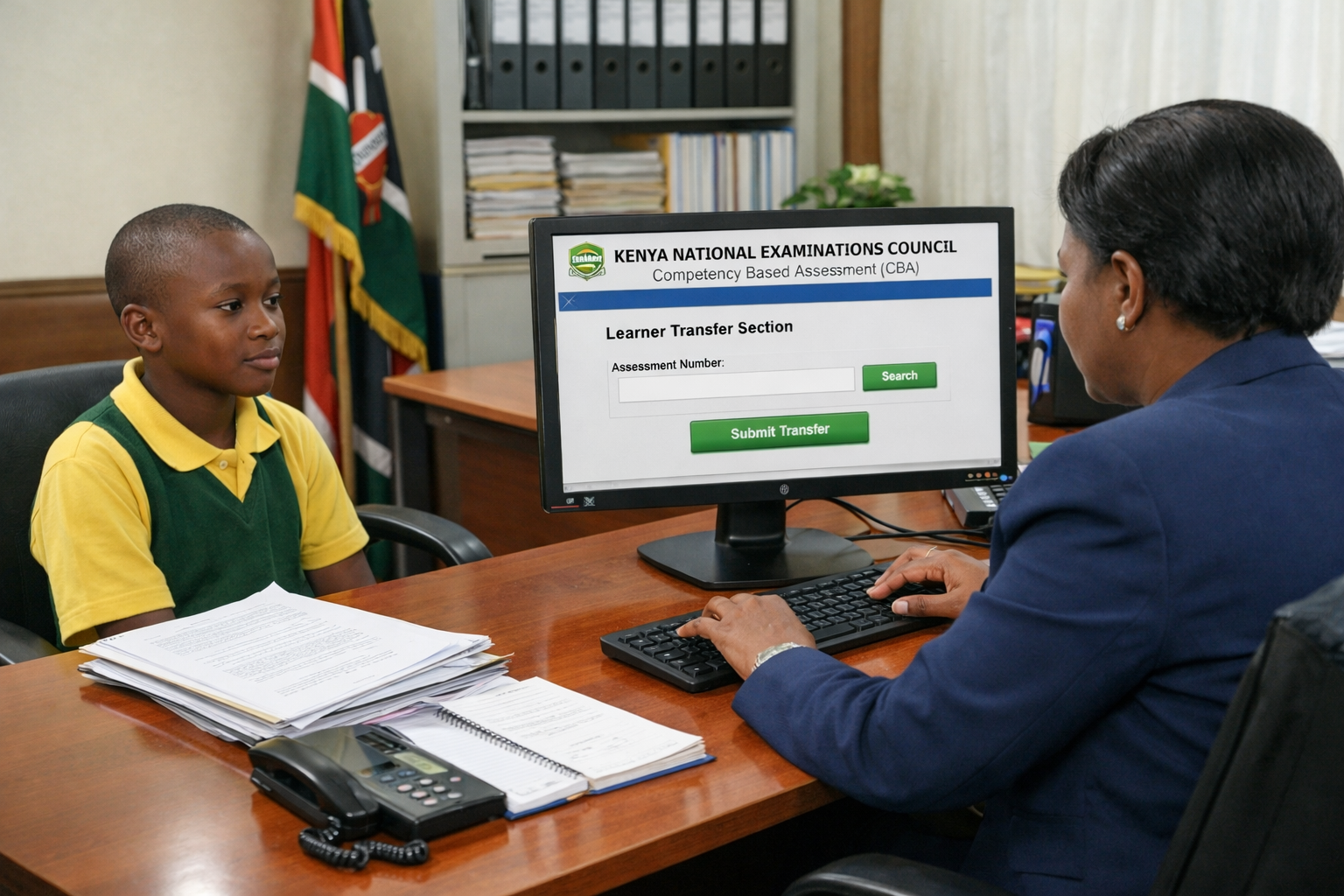
 A school head initiates learner transfer on the Competency-Based portal. /AI
The advent of Competency-Based Education has revolutionised the way learner transfers are conducted, with the entire process now fully digitised.
Unlike the traditional manual or handwritten transfer letters, schools are now required to initiate and finalise transfers through the Kenya National Examinations Council (KNEC) Competency Based Assessment (CBA) portal.
The procedure for transferring learners is systematic, and the portal maintains an audit trail of all actions performed, ensuring that transfers are traceable for accountability.
Presenting a shift from the previous arrangement—where the head teacher of the school a learner was leaving would initiate the process by writing a letter releasing the learner—the process is now initiated by the school the learner is moving to.
“Learner transfer is initiated by the head of institution that the learner has moved to and confirmed by the head of institution that the learner is originating from,” KNEC clarified. This prevents unauthorised transfers.
Assessment records are maintained both at the school level and at KNEC.
Learners are captured in the KNEC system every year from Grade 3 onwards, with each learner provided with a Unique Personal Identification (UPI) number.
The number will be used by the learner up to the end of Grade 12. Transfers depend on the learner's unique Assessment Number as it appears in the KNEC registration database.
Details entered by school heads during a transfer of a learner must match those in KNEC database.
The portal allows for the instant verification of the UPI number and the associated learner profile.
How to make learner transfer request on CBA portal
The procedure for initiating learner transfer follows seven distinct steps:
- Login as the Head of Institution that the learner is transferring to.
- Select learner's grade in the "Learner Transfer Section" beneath the "Assessment Number" label, click the text box for the Assessment Number.
- Enter the assessment number of the transferring learner and click on the "Search" button.
- The learner details will be displayed in the search result window. The "Submit Transfer" button will have a deep green background
- Click on the "Submit Transfer" button to complete the request process.
- When successful, the number of "Pending" transfers in the "Learner 7 Transfer" statistics section is increased by one. The name of the learner's previous school and Hol's phone number will also be displayed.
After the head of institution that the learner has moved to has initiated the transfer request, the head of institution that the learner is transferring from must accept the request to complete the transfer process.
How to accept a learner transfer request
There are five steps to accept learner transfer request:
- Login as the Head of Institution that the learner is transferring from.
- Select the learner's grade. Select the "Transfer" menu.
- Click the "Pending" button under Learner Transfer Management.
- A table with all the learner transfer requests from your school will be shown.
- This table will give you the controls to accept the transfer request under "Action" and complete the learner transfer process.
Once a transfer is approved, the new admission letter is generated online through the portal. Schools are strictly prohibited from issuing manual or handwritten transfer letters.
The portal ensures that transfers are allowed only once and are properly documented to prevent duplication or fraudulent movement.
According to KNEC, no transfer shall be allowed at Grade 6 due to preparation for the summative assessment that will take place at the end of the year.
The council says the head teacher receiving the learner must write an acceptance letter to the Sub-County Director of Education acknowledging acceptance of the learner.
“Transfer of learners shall be done by the Sub-County Director of Education and will be allowed to take place at Grade 3, 4, 5 and all four levels of the Stage-Based Curriculum Pathway,” KNEC says.
The Sub-County Director of Education will log into the KNEC portal using the Sub-County login CP2 credentials to transfer or add a learner. Deletion of learners can only be done by KNEC.